
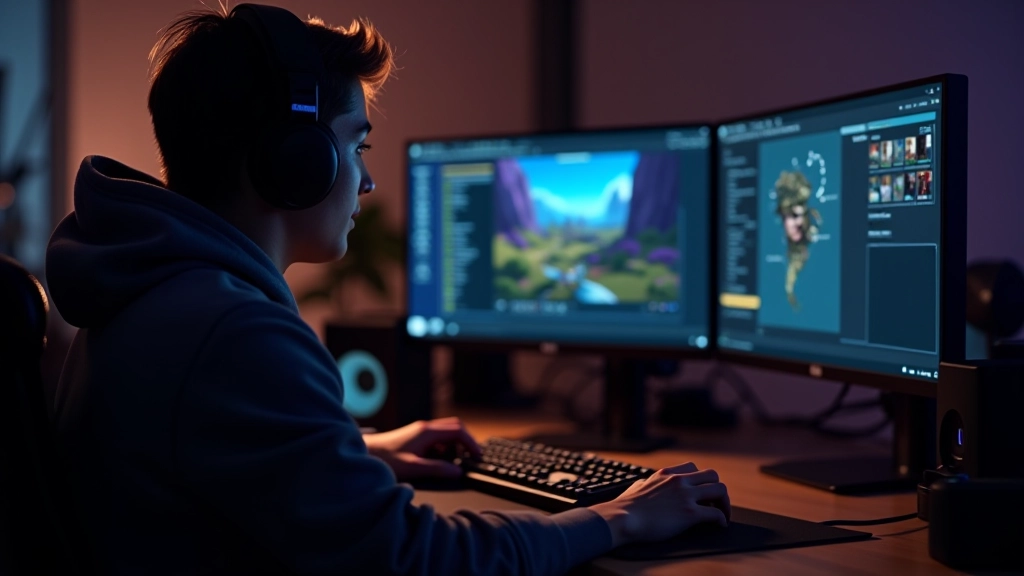
Prototyping Your First Game Concept
Learn how to take your ideas from concept to playable prototype. We’ll cover rapid prototyping techniques and tools that help you test mechanics quickly.
Read Article
Core mechanics are the foundation of any game. They’re what players interact with dozens, sometimes hundreds of times. A good mechanic feels responsive, predictable, and rewarding. It’s the difference between a game that feels smooth and one that frustrates players before they’ve played for five minutes.
We’re going to explore what actually makes mechanics work. Not the flashy stuff—the core systems that keep players engaged and coming back. You’ll see how the best games nail the fundamentals, and how you can apply these principles to your own designs.
Every mechanic starts with a simple loop. Player inputs something. The game responds. That’s it. But the details matter enormously.
When you press a button, you want to feel that input immediately. A 50-millisecond delay doesn’t sound like much, but players feel it. Their brain registers a disconnect between action and result. Games like Celeste and Super Smash Bros. nail this. The input arrives, and boom—instant visual and audio feedback. Your jump happens. Your attack connects. No lag. No doubt.
Good feedback comes in three forms. Visual—you see what happened. Audio—you hear it. Haptic—if you’re on a controller, you feel it vibrate. All three together? That’s when a mechanic feels alive.


Players need to feel in control. When you press a button, the character should move. When you aim, the crosshair should track smoothly. When you swing a sword, it should arc naturally. Any stuttering or lag breaks the connection between player intent and on-screen action.
This is why frame rate matters. At 60 frames per second, the game updates 16 times every second. That’s tight enough to feel responsive. Drop to 30 fps, and suddenly actions feel sluggish. Players don’t consciously think “the frame rate is low,” but they feel something’s off. Their brain detects the lag between intention and execution.
But responsiveness isn’t just technical. It’s also about player options. Can you cancel an action mid-animation? Can you adjust your aim after you’ve committed? The best mechanics give players multiple ways to interact with the system. They don’t lock you into animations. They don’t punish you for trying something different.


A mechanic can be perfectly responsive, but if it gets boring after 10 minutes, it’s failed. The best mechanics scale with difficulty. They grow alongside the player.
Think about a simple jumping mechanic. At first, you’re just learning how to jump over small gaps. Simple. Then you’re combining jumps with wall-bounces. Now there’s timing involved. Later, you’re doing triple jumps with air dashes while dodging moving obstacles. Same core mechanic—jump, aim, execute—but the complexity has multiplied.
The sweet spot is when a game challenges you just beyond your current skill level. Too easy, and you’re bored. Too hard, and you’re frustrated. Games like Elden Ring understand this perfectly. They introduce new enemy types gradually. You learn one at a time, building your toolkit, until eventually you’re juggling five different combat styles simultaneously.


A working mechanic isn’t magic. It’s responsive input, clear feedback, and intelligent progression. You start with the fundamentals—make players feel in control, reward their actions, and gradually challenge them more. That’s the foundation.
The best mechanics fade into the background. Players don’t think about the system. They just play. But underneath that simplicity, there’s careful design. Every frame of animation is timed. Every sound is chosen to reinforce the action. Every difficulty spike is intentional.
When you’re designing your next game, spend time on the core mechanic. Get it feeling right. Polish the feedback. Test it at different difficulty levels. Don’t rush past it to add more features. A game with one polished mechanic will always feel better than a game with five mediocre ones.
This article provides educational information about game design principles and mechanics. It’s intended to help you understand fundamental concepts in game development. Game design is both an art and a craft—what works in one game might not work in another. Your specific project, target audience, and design goals will influence how you apply these principles. We encourage you to experiment, test with real players, and iterate based on actual feedback from your audience.